

















00:46
Launch date ·
— Impressions
493.1KVideo plays
213 agents connected, 88 site visits, and counting.
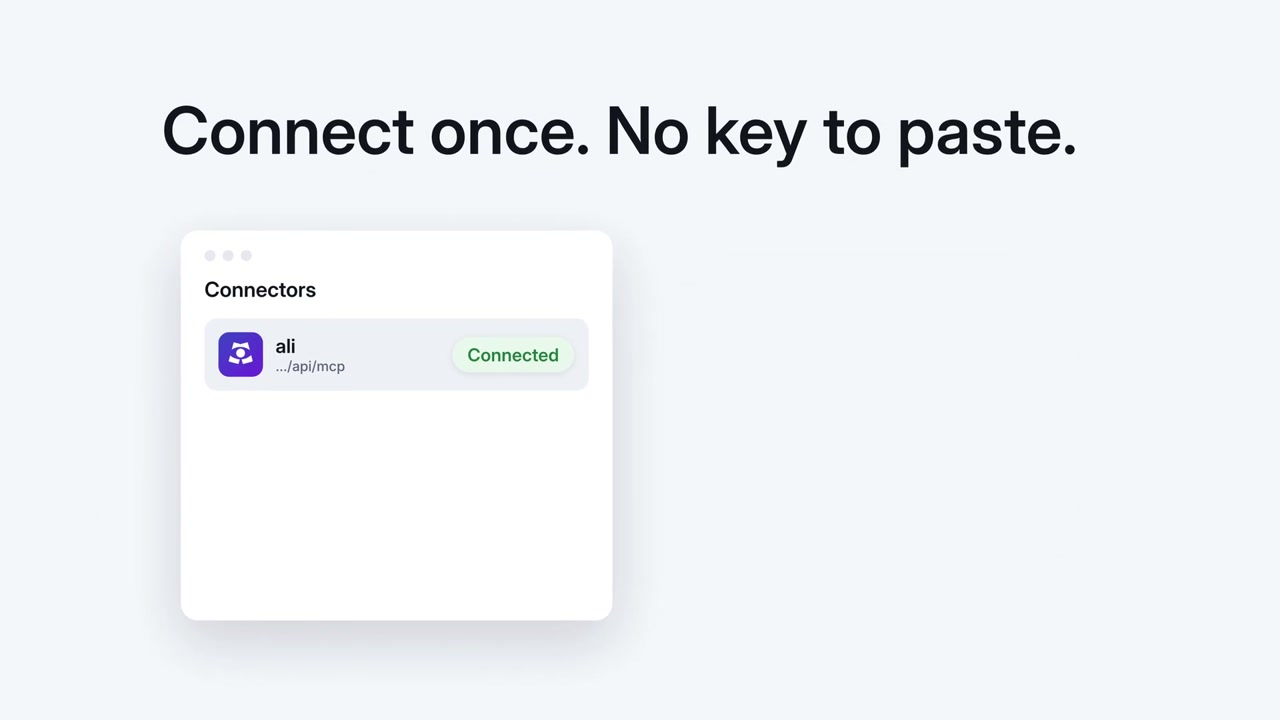
One click for most agents. No sign-in, no API key.
https://kuchi.kalarislabs.com/mcpOr paste this prompt into any agent:
Connect the Kuchi MCP server at https://kuchi.kalarislabs.com/mcp (no sign-in) and use its videos as templates for my launch video.Universal (skills.sh):
npx skills add kalarislabs/kuchiIn Claude Code:
/plugin install kuchi --marketplace KalarisLabs/kuchiInstalls into .agents/skills/kuchi for Claude, Cursor, Codex, Antigravity, and Gemini.
Use both. The skill teaches your agent the Kuchi workflow; MCP gives it the latest collection each time, because Kalaris Labs adds videos daily, without reinstalling anything. Setup guide ↗
Agent skill · free
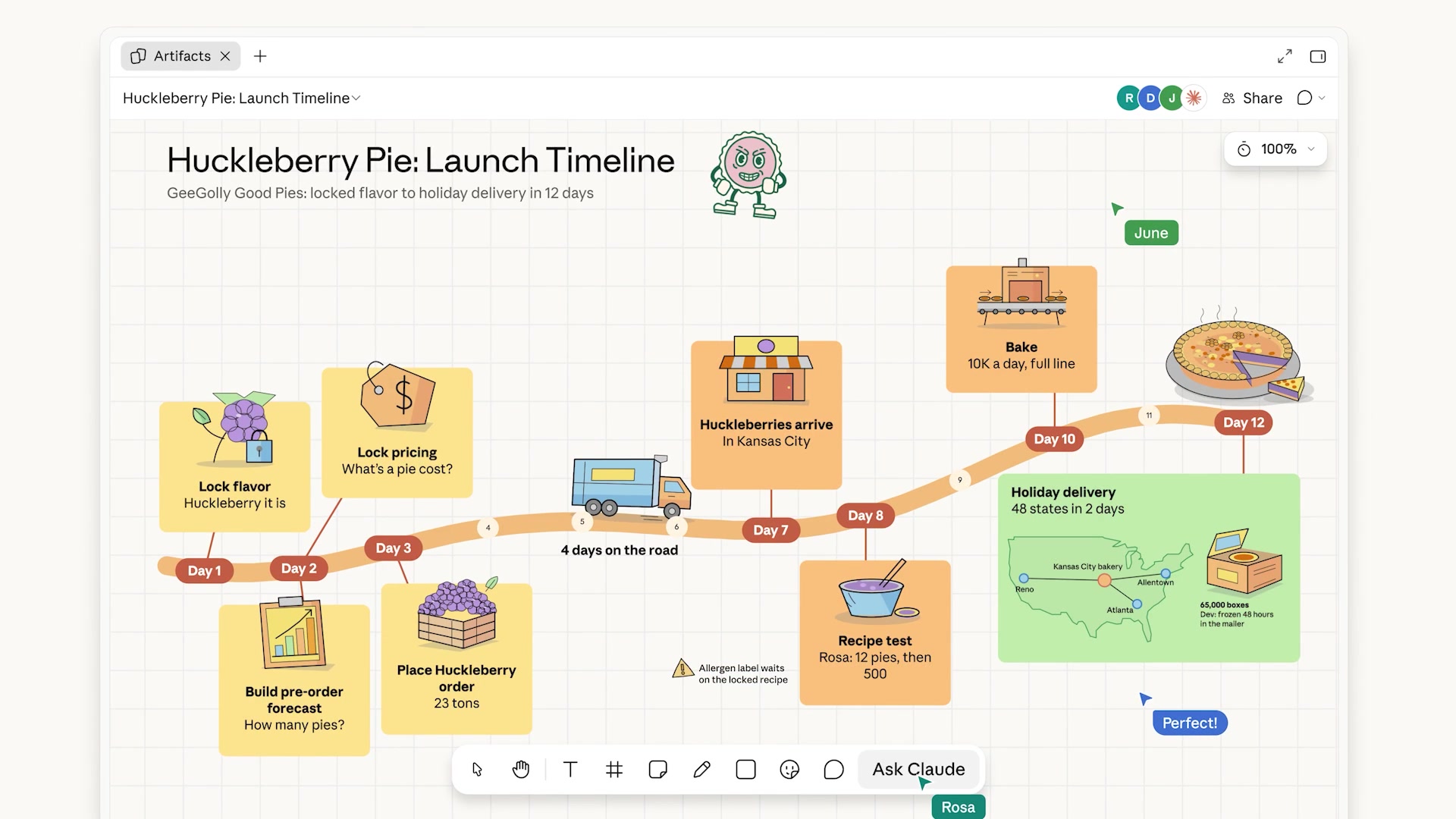
The product launch video skill takes your agent from a product URL or brief to a finished, checked MP4, modelled shot for shot on a real launch video. It comes with the MCP server, or install it into any agent.
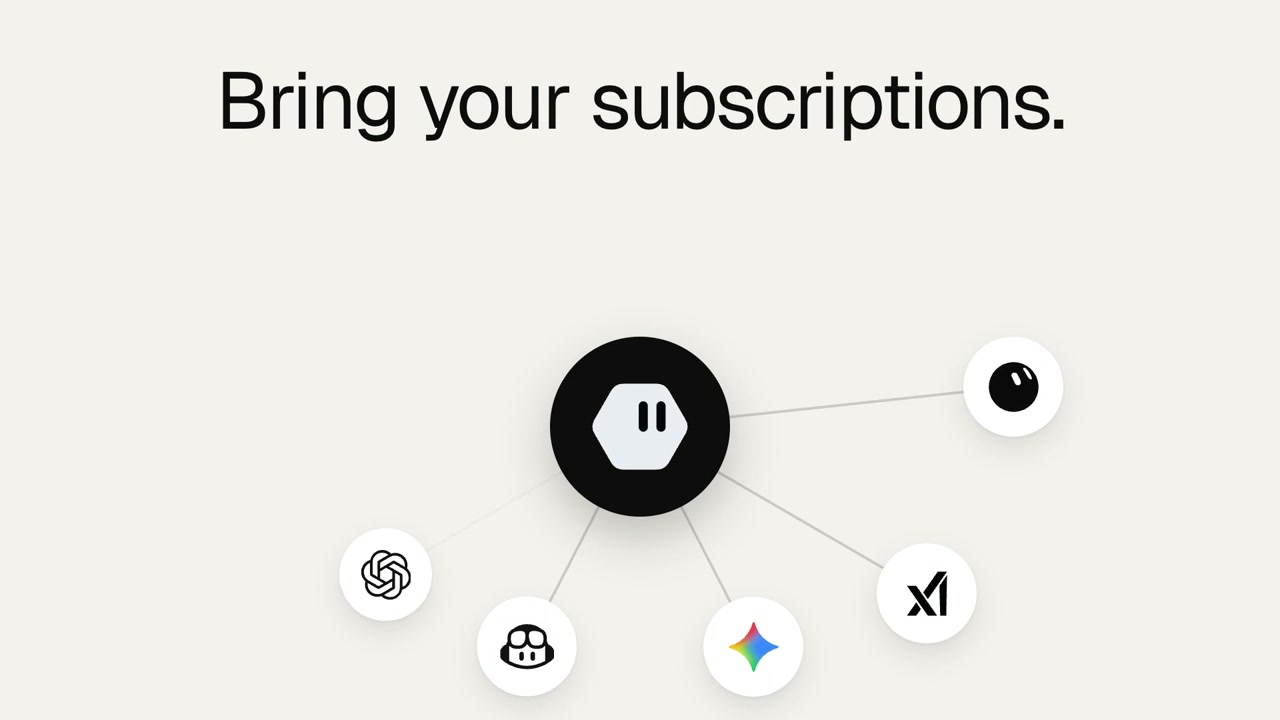
Connect https://kuchi.kalarislabs.com/mcp to your agent and every Kuchi skill comes with it. Agents that read MCP skills see them as resources, and any agent can load one with the kuchi_get_skill tool. Nothing else to install, and you always get the latest version.
https://kuchi.kalarislabs.com/mcpThe skills CLI asks which agent to add it to (Claude Code, Codex, Cursor, Gemini CLI, Antigravity, OpenCode and others) and copies the skill into that agent’s skills folder in your project.
npx skills add kalarislabs/kuchi --skill kuchi-product-launch-videoInstalls every Kuchi skill and the MCP server together, in one step.
/plugin install kuchi --marketplace KalarisLabs/kuchiEverything you need to know about Kuchi templates, the MCP agent connection, and video remakes.
https://kuchi.kalarislabs.com/mcp. In Claude Code, Cursor, Windsurf, Codex, ChatGPT, or Gemini CLI, simply add the MCP endpoint URL to your client configuration. No authentication tokens or API keys are required.